# Antigravity CLI
[Content hub](/en/ai/content)
- type: article
- published_at: 2026-09-04
- tags: antigravity, harness, setup
A Gemini-based harness with skills, agents, plugins, hooks, MCP, and project resources
## Content
# Antigravity CLI
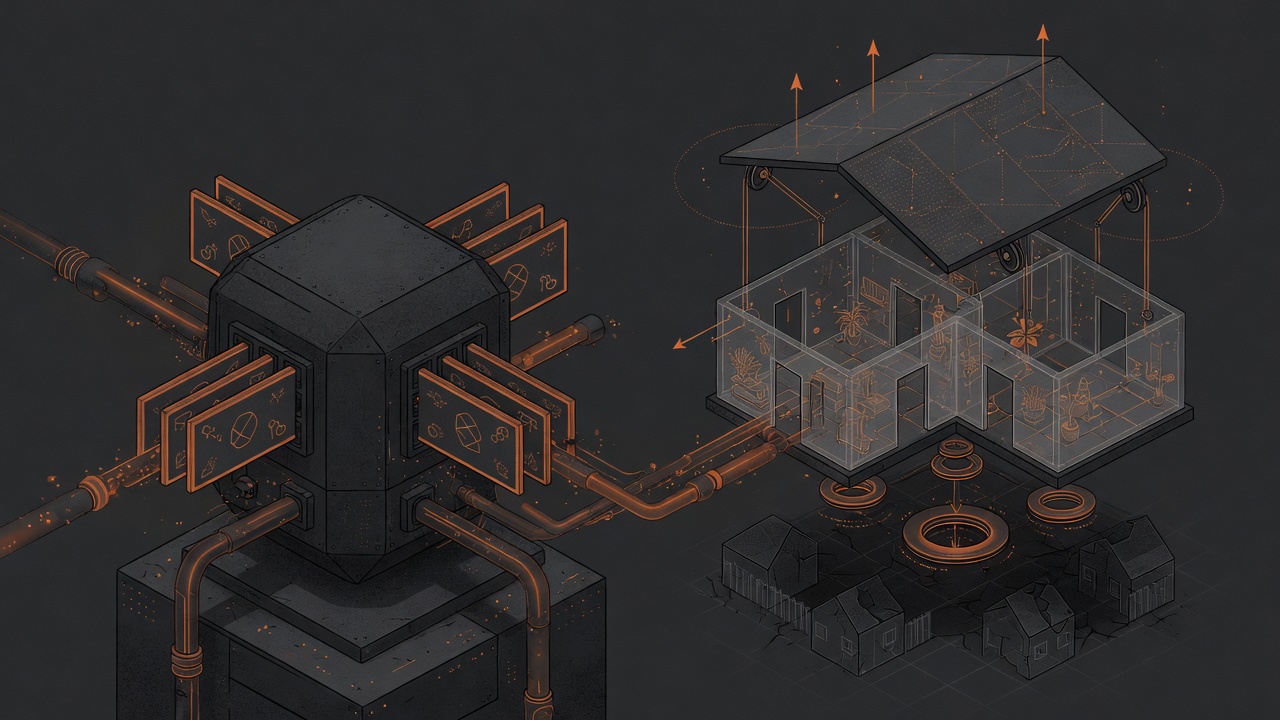
Antigravity CLI is a Gemini-based harness for agentic development. Its distinctive property is that configuration lives in Gemini's shared home: Antigravity-owned settings and plugins live under `antigravity-cli`, while skills and agents use the shared `config` surface. A project has its own `.agents/` surface.
## Native surface
| Area | What Antigravity CLI reads | ai-stp projection |
| --- | --- | --- |
| Shared Gemini home | `~/.gemini/config/skills/`, `agents/`, `plugins/`, `hooks.json`, `mcp_config.json`, `global_workflows/` | Global skill, agent, plugin, hook, MCP, and command |
| CLI-owned area | `~/.gemini/antigravity-cli/settings.json`, `keybindings.json`, `plugins/` | Setting and CLI plugin surface |
| Project | `.agents/plugins/`, `.agents/skills/`, `.agents/agents/`, `.agents/hooks.json`, `.agents/mcp_config.json` | Project-scoped resources |
Do not copy the entire shared home: it can contain Gemini data and runtime state unrelated to a setup. `ai-stp` moves only declared surfaces and keeps `config` separate from `antigravity-cli`.
## How the setup is assembled
1. Discovery checks native directories and separates authored components from runtime state.
2. The passport records scope, component, source, and the exact plugin or resource version.
3. The assembler selects a project or global projection and refuses to route instruction into an unsupported directory.
4. The public `antigravity-setup-system` receives the exact plan and applies it to the appropriate Gemini-home or project surface.
For Antigravity CLI, skill is reusable workflow, agent is a specialized role, plugin is a deployable bundle, hook is an event, MCP is an external service, command is a workflow, and setting is the CLI JSON profile. Each kind stays on its native surface.
## When to choose Antigravity CLI
Choose it when you want a Gemini-oriented workflow with shared skills and agents while keeping project resources and plugin boundaries explicit. For a safe migration, do not copy all of `~/.gemini`; inspect discovery and build an exact plan first.
## Links
- [Antigravity CLI plugins and skills](https://antigravity.google/docs/cli/plugins/)
- [Antigravity CLI settings](https://antigravity.google/docs/cli/settings/)
- [Antigravity CLI features and subagents](https://antigravity.google/docs/cli/features/)
- [Public NDDev OpenNetwork antigravity-setup-system](https://github.com/NDDev-OpenNetwork/antigravity-setup-system)
## Trust boundary
The shared Gemini home raises the cost of mistakes: a plugin or hook can affect several projects. Review manifests, scripts, MCP endpoints, exact pin, and rollback before applying a setup.
> Observe → separate shared and project surfaces → passport → exact plan → provider write.